How GuidelyPro.AI Works With Shopify: A Practical Guide for Store Owners
A comprehensive step-by-step implementation guide to installing, configuring, and optimizing GuidelyPro.AI on Shopify to turn browsing visitors into paying customers.
Technology writer, e-commerce strategist, and enterprise software reviewer at AfricaDeep.
Published: 14 August 2026
Updated: 10 October 2026

Shopify powers millions of e-commerce storefronts across the globe, providing a robust, highly reliable infrastructure for inventory management, checkout processing, and payment handling. However, the default user experience provided by standard Shopify themes—even modern Online Store 2.0 architectures—remains fundamentally centered on static collection grids, basic keyword search bars, and manual faceted filters. When prospective customers arrive on your site without knowing the exact model name, technical attribute, or variant that fits their needs, they are left to browse aimlessly through dozens of products.
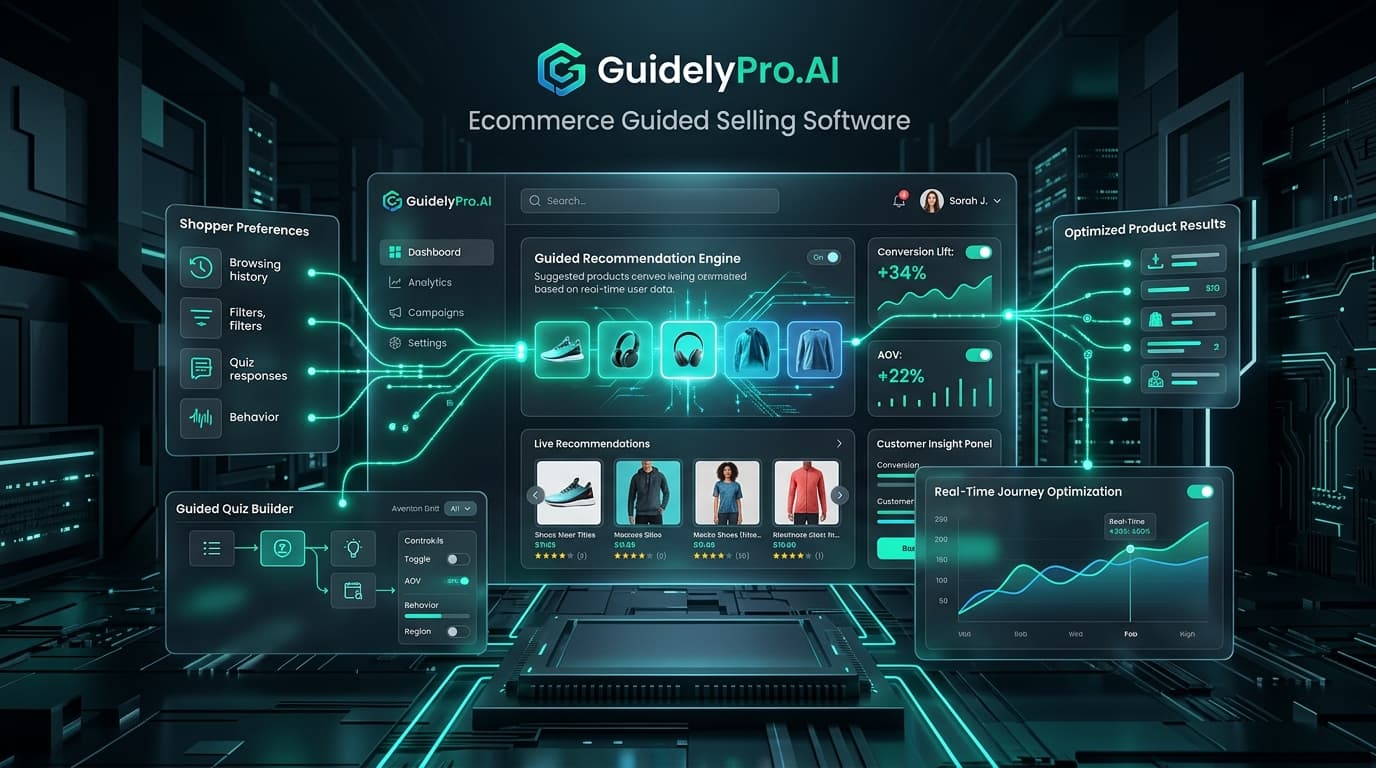
Integrating GuidelyPro.AI with Shopify transforms this passive, friction-heavy browsing experience into an active, consultative dialogue. By leveraging Shopify's native Theme App Extensions and real-time inventory webhooks, GuidelyPro.AI embeds interactive product discovery engines, recommendation quizzes, and smart diagnostic banners directly into your storefront.
In this practical, step-by-step walkthrough, we guide Shopify merchants through the entire deployment lifecycle: from initial app installation and automated catalog synchronization to quiz design, theme embedding, zero-party data capture, and conversion analytics.
Affiliate Disclosure: AfricaDeep may earn an affiliate commission when you install GuidelyPro.AI through qualifying links in this tutorial without increasing your costs. We independently test and verify all featured e-commerce integrations.
Before beginning the installation, Explore GuidelyPro.AI for Shopify to activate your store account.
---
1. Technical Prerequisites and Architecture Overview
Before adding GuidelyPro.AI to your Shopify admin, verify that your storefront satisfies these baseline operational requirements: 1. Active Shopify Plan: Any valid Shopify plan (Basic, Shopify, Advanced, or Shopify Plus). 2. Theme Architecture: Fully optimized for Online Store 2.0 themes (such as Dawn, Horizon, Prestige, Impulse, Refresh, and Sense) as well as legacy section-based architectures. 3. Product Inventory Readiness: A minimum of 15 published, active products with populated tags, descriptive copy, and variant attributes.
+-------------------------------------------------------------+
|               Shopify Integration Flow Overview             |
+-------------------------------------------------------------+
|  Step 1: Install GuidelyPro.AI App via Shopify App Store    |
|  Step 2: Authorize API Access & Auto-Sync Product Catalog   |
|  Step 3: Configure Diagnostic Quiz & Matching Rules         |
|  Step 4: Enable Theme App Extension in Theme Customizer     |
|  Step 5: Publish & Monitor Conversion Analytics             |
+-------------------------------------------------------------+
GuidelyPro.AI utilizes Shopify's modern Theme App Extensions (App Embeds) architecture. This approach offers significant operational safety: the app never injects invasive code directly into your theme's liquid templates. If you switch themes or update your design in the future, your core codebase remains clean and completely intact.
---
2. Step-by-Step Installation Walkthrough
Deploying GuidelyPro.AI on your Shopify store requires no custom development. Follow this four-stage setup process:
Stage 1: Installing the Application
Stage 2: Automated Catalog Synchronization
Depending on catalog size (from 50 to 5,000 SKUs), this initial ingestion completes in approximately two to five minutes.
To review live customer examples, Try GuidelyPro.AI for your online store.
---
3. Designing a High-Converting Shopify Product Finder
With your inventory indexed, navigate to the Funnels & Quizzes tab inside the GuidelyPro.AI dashboard.
1. Select an Industry-Specific Funnel Template
2. Formulate Customer-Centric Questions
3. Establish Multi-Vector Matching Rules
For broader storefront guidance, consult our directory entry for GuidelyPro.AI on AfricaDeep.
---
4. Embedding GuidelyPro.AI Into Your Shopify Theme
GuidelyPro.AI provides flexible display options across your storefront:
Shopify Admin -> Online Store -> Themes -> Customize -> App Embeds -> Enable "GuidelyPro Widget"Option A: Dedicated Quiz Landing Page
Option B: Floating Diagnostic Drawer
Option C: Product Detail Page (PDP) Compatibility Checkers
To see how top Shopify brands utilize these placements, Learn how GuidelyPro.AI can guide online shoppers.
---
5. Integrating Zero-Party Data with Klaviyo and Shopify Flow
One of the most powerful strategic advantages of deploying GuidelyPro.AI on Shopify is the capture of zero-party data—information that consumers intentionally share regarding their preferences and needs:
[ Shopper Completes Quiz ] ---> [ Captured Preferences ] ---> [ Klaviyo Profile Sync ]
                                         |
                                         v
                         [ Automated Segmented Email Flow ]
Capturing Email Leads Ethically
Syncing Custom Properties to Klaviyo
Automating High-Converting Follow-Up Flows
---
6. Measuring Success Through Shopify and GA4 Analytics
To evaluate the commercial impact of your guided selling funnels, monitor these key metrics over a 30-day evaluation period:
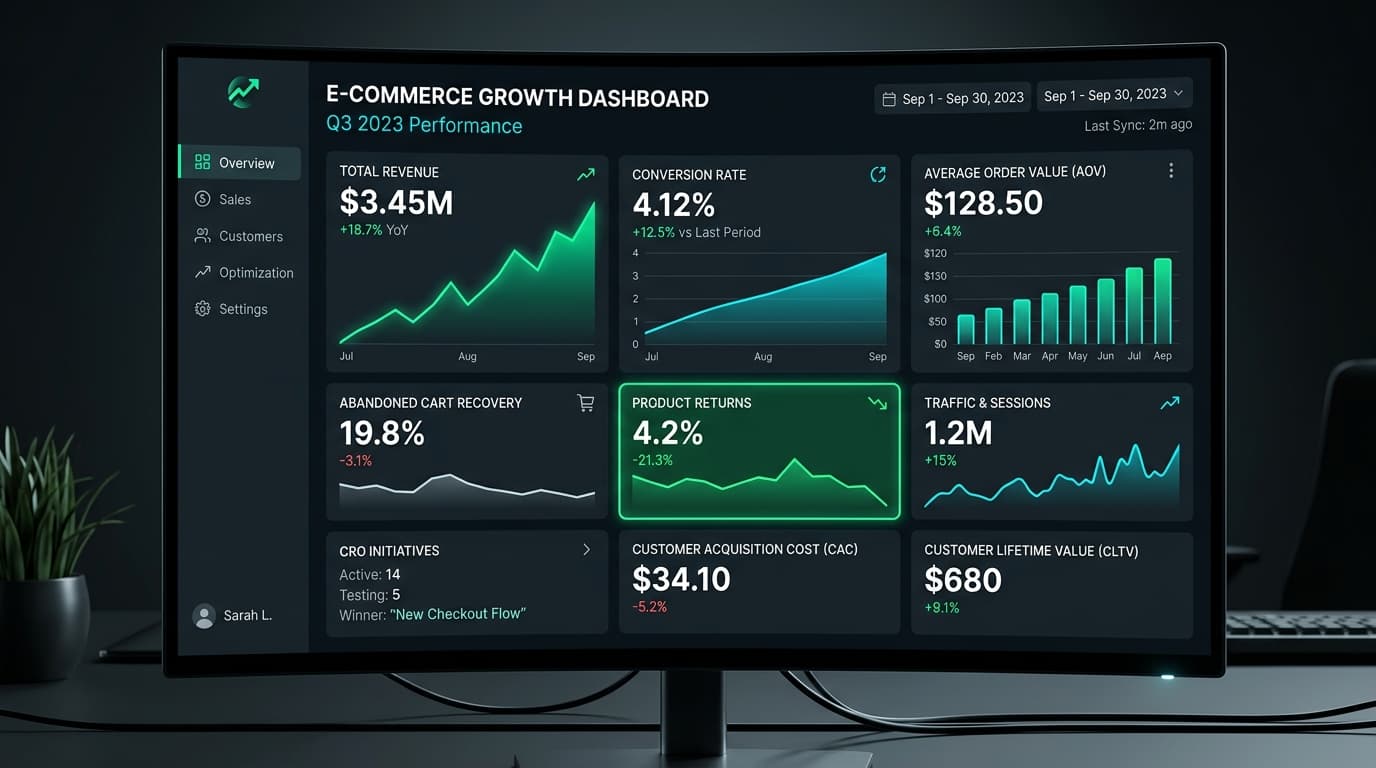
Quiz Completion Rate: Aim for 70% or higher. If drop-offs occur at a specific question, reduce answer options or rephrase the question for clarity. - Conversion Rate Lift: Compare the checkout conversion rate of visitors who interacted with the quiz against those who navigated standard collection pages. Shopify merchants routinely observe a 2x to 3x higher conversion rate among guided shoppers. - Average Order Value (AOV): Track whether recommended bundle packages increase cart sizes compared to single-item purchases. - Return Rate Reduction: Review return requests in Shopify Admin for categories with high guided funnel participation. Sizing and compatibility guidance typically reduces wrong-product returns by 20% to 35%.
---
7. Advanced Shopify Architecture & Theme Customization Patterns
For Shopify merchants operating on heavily customized themes or utilizing Shopify Plus architectures, GuidelyPro.AI offers deep technical flexibility:
Working with Shopify Online Store 2.0 JSON Templates
Mobile-First UX Best Practices for Shopify Stores
---
8. Real-World Case Study: DTC Shopify Merchant Performance
To demonstrate the real-world impact of GuidelyPro.AI on Shopify, consider the performance of an independent beauty and skincare brand operating on Shopify:
Store Context: Catalog of 85 products, receiving 40,000 monthly unique visitors primarily from Instagram and TikTok paid advertising. - Pre-Installation State: Baseline storewide conversion rate of 1.7%, with high customer drop-off on the primary collection archive. The brand spent an estimated $1,200 monthly handling returns due to incorrect foundation shade and skincare formula selections. - Implementation: Deployed a 4-step "Find Your Routine" guided quiz linked directly from the primary navigation bar and announced via an announcement bar banner. - 30-Day Results: - Over 14% of total site visitors engaged with the quiz (5,600 shoppers). - The quiz achieved an 82% completion rate, with 4,592 shoppers reaching personalized recommendation screens. - Guided traffic converted at 5.8% (over 3.4x higher than standard collection browsing). - Skincare routine bundles increased average order value from $58 to $74. - Product return requests dropped by 28% within the first 60 days of deployment.
---
9. Frequently Asked Questions (FAQ)
Will GuidelyPro.AI slow down my Shopify store's page loading speed?
Can I run multiple distinct quizzes on the same Shopify store?
What happens when a product in a quiz goes out of stock?
Does GuidelyPro.AI work with Shopify Markets and multi-currency?
Can I style the quiz buttons to match my exact brand typography?
Can I track quiz performance in Google Analytics 4 (GA4)?
Does GuidelyPro.AI support Shopify POS for in-store retail?
How does GuidelyPro.AI handle product variants (size, color, volume)?
---
10. Final Verdict for Shopify Merchants
Deploying GuidelyPro.AI on Shopify is one of the highest-leverage conversion optimizations an e-commerce brand can execute in 2026. By transitioning from passive collection browsing to proactive, personalized guidance, you eliminate customer hesitation, build trust, and drive higher store profitability.
Ready to upgrade your Shopify store? Discover GuidelyPro.AI's product-matching features and install the app today.